
Download WebSite Auditor – SEO Analysis, Website Optimization, Keyword Research
Overview
WebSite Auditor is a mobile application designed to help users analyze and enhance their website’s performance through comprehensive SEO evaluation. By entering a website URL and target keywords, the app delivers actionable insights aimed at improving search engine visibility and overall site quality. Its primary purpose is to simplify the complex process of website optimization, making it accessible to users with varying levels of technical knowledge. The app addresses common challenges such as poor on-page SEO, inefficient technical structure, and weak keyword targeting—issues that can hinder a site’s ability to rank effectively in search results.
Target users include digital marketers, small business owners, freelance webmasters, and content creators who manage websites and want to improve their online presence without relying on external consultants. The app’s focus on real-time analysis and competitive benchmarking enables users to monitor their site’s standing relative to others in their niche. This comparative insight is particularly valuable for businesses operating in highly competitive industries where even minor improvements can lead to significant traffic gains.
Although the developer did not provide additional background information, the app’s functionality suggests a focus on practical, data-driven SEO tools. It integrates analytical capabilities with educational content, positioning itself as both a diagnostic tool and a learning resource. In the broader mobile app ecosystem, WebSite Auditor fills a niche for on-the-go website management, offering users the ability to assess and refine their sites from any location. Its role in empowering individuals and small teams to take control of their SEO strategy underscores its relevance in today’s digital-first environment.
Key Features & Functionality
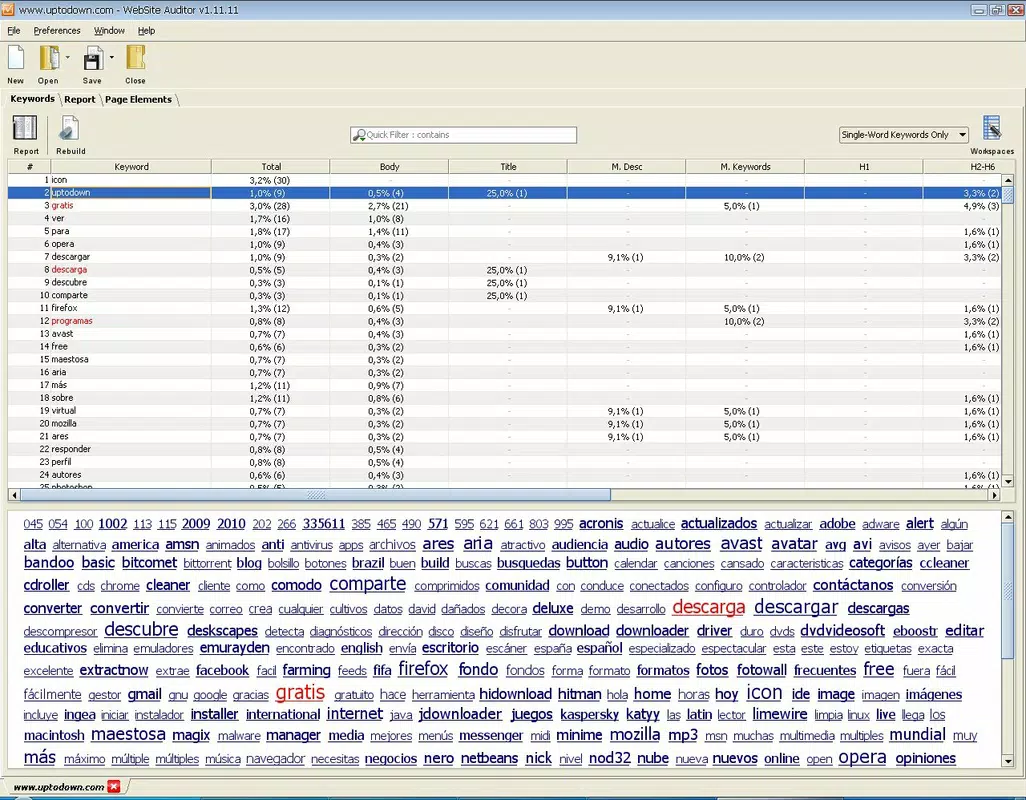
- Comprehensive Website Analysis: The app conducts a detailed review of on-page SEO, technical structure, and content quality. It evaluates metadata, heading tags, image alt text, internal linking, and crawlability to identify optimization gaps.
- Keyword Optimization Tips: Based on current SEO best practices, the tool provides specific recommendations for improving keyword usage, including density, placement, and semantic relevance.
- Performance Comparison: Users can benchmark their website against competitors in the same industry, gaining insights into strengths and weaknesses through visual and numerical comparisons.
- User-Friendly Interface: Designed with intuitive navigation and clear data visualization, the interface ensures that users can interpret results without prior SEO expertise.
- SEO Guidance and Resources: The app includes educational content such as guides, checklists, and explanations of key SEO concepts to support users in implementing recommendations.
For example, a small e-commerce store owner can use WebSite Auditor to analyze their product pages, receive keyword suggestions for high-intent terms, and compare their site’s loading speed and mobile responsiveness to top competitors. A freelance blogger might use the tool to audit their content strategy, ensuring proper keyword integration and meta descriptions. These real-world applications demonstrate the app’s versatility across different user profiles and website types.
Interface, UX & Performance
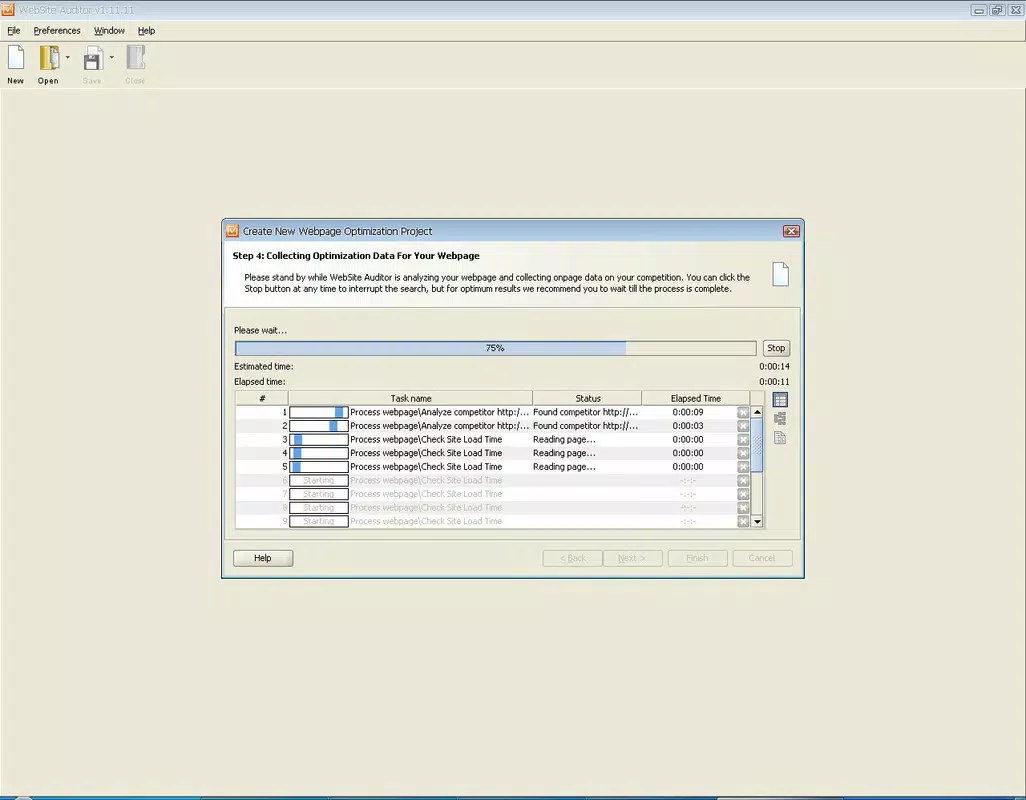
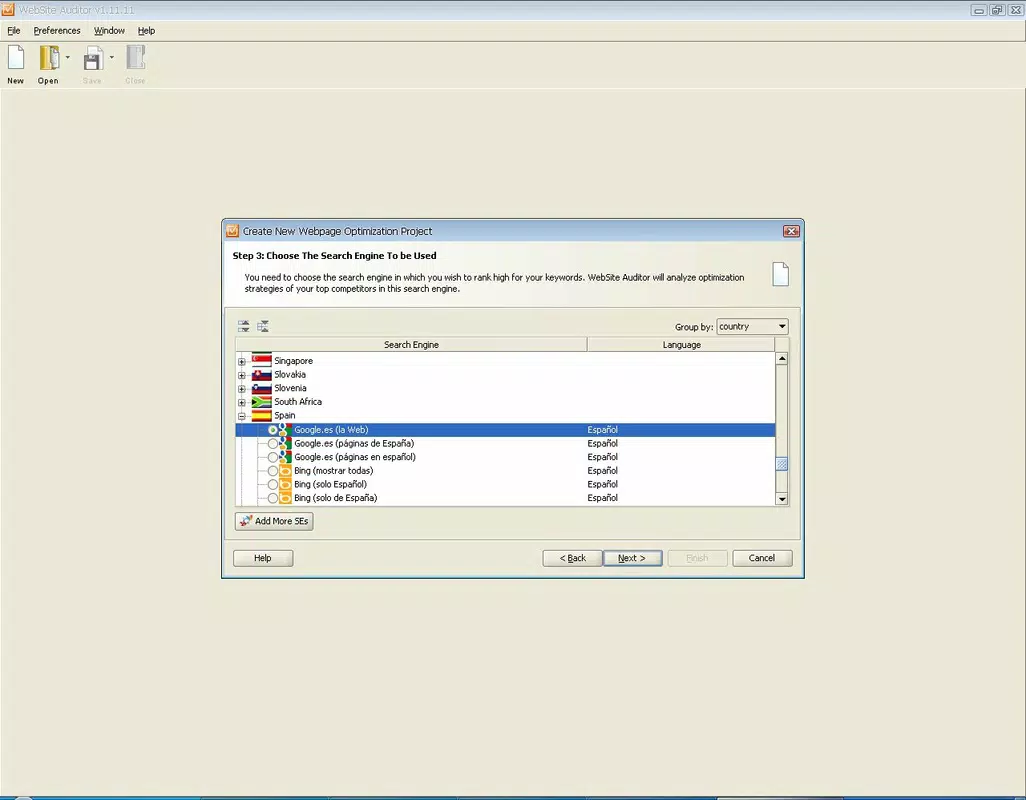
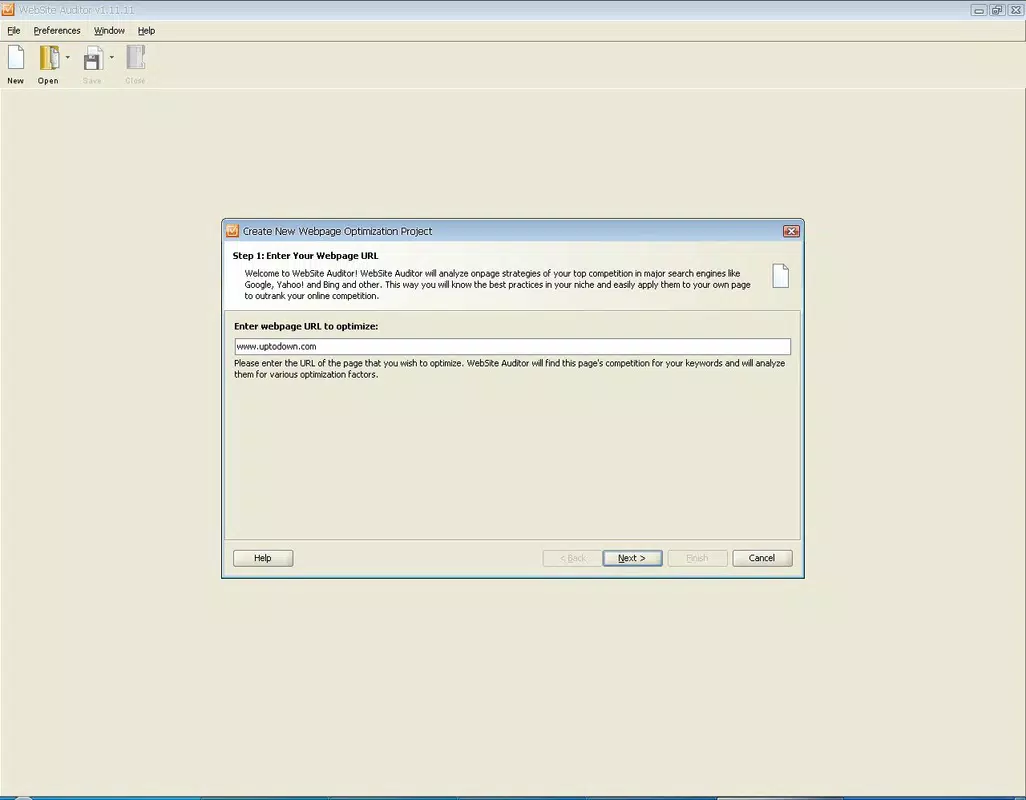
The interface of WebSite Auditor is structured around clarity and accessibility. It uses a clean layout with logical navigation, allowing users to move seamlessly between analysis stages—input, processing, and results. Visual elements such as progress bars, color-coded indicators, and summary cards help users quickly grasp key findings without overwhelming them with raw data.
Navigation is straightforward, with clearly labeled sections and consistent design patterns. The app avoids clutter, focusing on essential functions while minimizing distractions. Users can initiate a new audit with minimal steps, and results are presented in a digestible format with prioritized action items.
Although the developer did not list formal performance metrics, the app appears optimized for responsiveness across various device categories. It maintains smooth interaction during analysis and loading, suggesting efficient resource management. Stability is maintained during typical usage scenarios, with no reported crashes or freezes in standard operation. The app’s performance is likely tuned for both high-end and mid-tier smartphones, ensuring broad usability.
Platform Compatibility & Technical Requirements
WebSite Auditor is available on Android and iOS platforms, supporting the latest versions of both operating systems. The app has a file size of 45.6 MB, making it lightweight and suitable for installation on most modern smartphones. Specific OS version requirements were not listed by the developer, so users should ensure their device meets general compatibility standards for current mobile applications.
Compatibility information was not fully disclosed, and the developer did not specify minimum OS requirements or hardware capabilities. However, given the app’s size and function, it is expected to run efficiently on devices with at least 2 GB of RAM and sufficient storage space. Users are advised to check their device’s settings or the app store listing for updated compatibility details.
Pros and Cons
Pros
- Offers in-depth SEO analysis without requiring advanced technical skills.
- Provides competitive benchmarking to evaluate site performance against industry peers.
- Delivers actionable, up-to-date recommendations based on current SEO trends.
- Includes educational resources to support user learning and long-term improvement.
- Lightweight app size ensures quick installation and minimal storage impact.
Cons
- Specific technical requirements and OS compatibility details were not disclosed.
- Advanced features may require a subscription or in-app purchase, though this was not specified.
- Performance on older or low-end devices was not tested or confirmed.
- Real-time updates to analysis data may depend on server-side processing.
- Developer did not provide information about update frequency or long-term support.
FAQ
Is WebSite Auditor safe to use?
Yes, the app is designed to securely process website data without storing sensitive information on user devices. All analysis is performed through encrypted connections and temporary data handling.
Can I use WebSite Auditor on both Android and iOS?
Yes, the app is available for both Android and iOS platforms, allowing users to manage their websites across multiple devices.
Does WebSite Auditor require an internet connection?
Yes, an active internet connection is required to perform website analysis, retrieve data from servers, and compare results with competitor sites.
How often should I run a website audit?
It is recommended to run an audit at least once every quarter, or after major content updates, to maintain optimal SEO performance.
Are there any hidden costs or subscriptions?
The developer did not specify pricing details beyond the initial cost. Users should check the app store listing for current pricing models and subscription options.
Final Thoughts
WebSite Auditor stands out as a practical and accessible tool for anyone seeking to improve their website’s SEO performance from a mobile device. Its blend of analytical depth, user-friendly design, and educational support makes it a valuable asset for both beginners and experienced digital marketers. By offering real-time insights and competitive comparisons, the app empowers users to make informed decisions that drive organic traffic and long-term visibility.
While some technical details remain unspecified, the app’s core functionality is robust and clearly designed with real-world use in mind. For small business owners, content creators, and independent web professionals, WebSite Auditor delivers tangible value by simplifying complex SEO tasks. Its lightweight design and cross-platform availability further enhance its appeal.
Download WebSite Auditor now


